Why spreadsheets are where maintenance starts
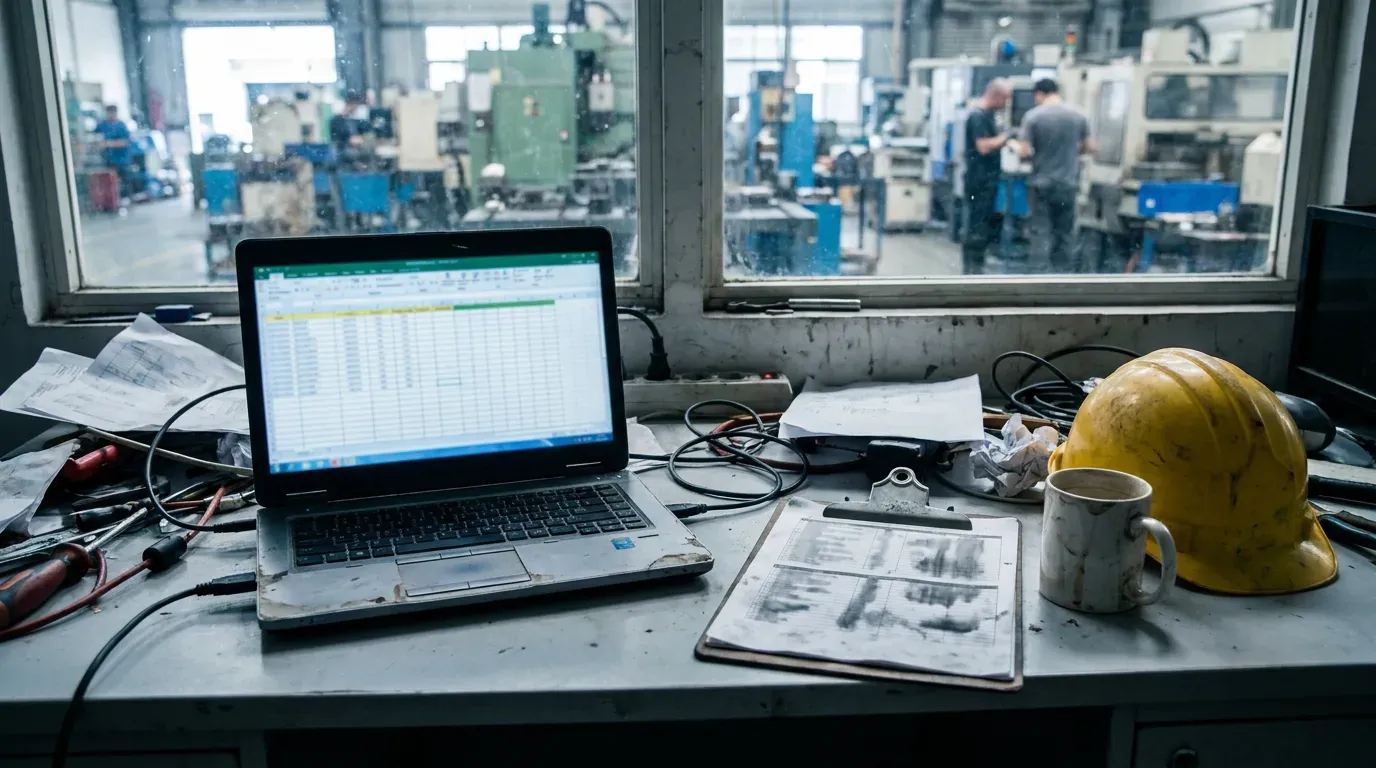
A spreadsheet is free, everyone already knows how to use it, and it bends to whatever the plant needs this week. A maintenance planner can list the machines, add a column for the last service, colour the overdue rows red and print it for the morning meeting. For a small team with one person who owns the file, that is a perfectly reasonable system.
The trouble is that a spreadsheet is a document, not a system. It holds whatever the last person typed, in whatever shape they typed it. It does not know that a row is a machine, that a job belongs to that machine, or that a spare part was taken from a shelf for that job. All of those relationships live in someone's head.
Seven signs you have outgrown Excel
- Two versions of the truth. The planner's copy, the copy on the shared drive and the printout on the workshop wall disagree, and nobody is sure which one is current.
- Breakdowns live somewhere else. The spreadsheet tracks planned work, but breakdowns arrive by phone, radio or a shout across the hall and never make it into the file.
- History is a column of free text. “Fixed”, “replaced belt”, “see Marek” — you cannot answer how often a machine failed last year without reading every row.
- Spare parts are a separate list. Stock is counted in another file, so nobody knows whether the part for tonight's repair is actually on the shelf.
- Drawings are on a network drive. The technician at the cabinet needs the electrical drawing, and it is three folders deep on a PC in the office.
- The next shift starts by asking around. What happened in the last eight hours is reconstructed from memory, not read from a record.
- Only one person really understands the file. When they are on holiday, the system is on holiday too.
If three or more of those sound familiar, the spreadsheet has stopped being a tool and started being a risk.
What a CMMS actually adds
A computerised maintenance management system is not a fancier spreadsheet. The difference is that it understands the things maintenance works with and keeps them connected.
- Work orders with an owner and a state. A job is open, taken, waiting for a part, running again or closed — and everyone sees the same state at the same time.
- The machine as the centre. Open an asset and see its open work, its history, its preventive maintenance, its documents and the parts that fit it. That is what we mean by machine context.
- Preventive maintenance that generates its own work. A recurring plan creates the job when it is due instead of relying on someone to notice a date in a column.
- Stock tied to the work that uses it. A part issued against a job reduces stock and leaves a record of where it went.
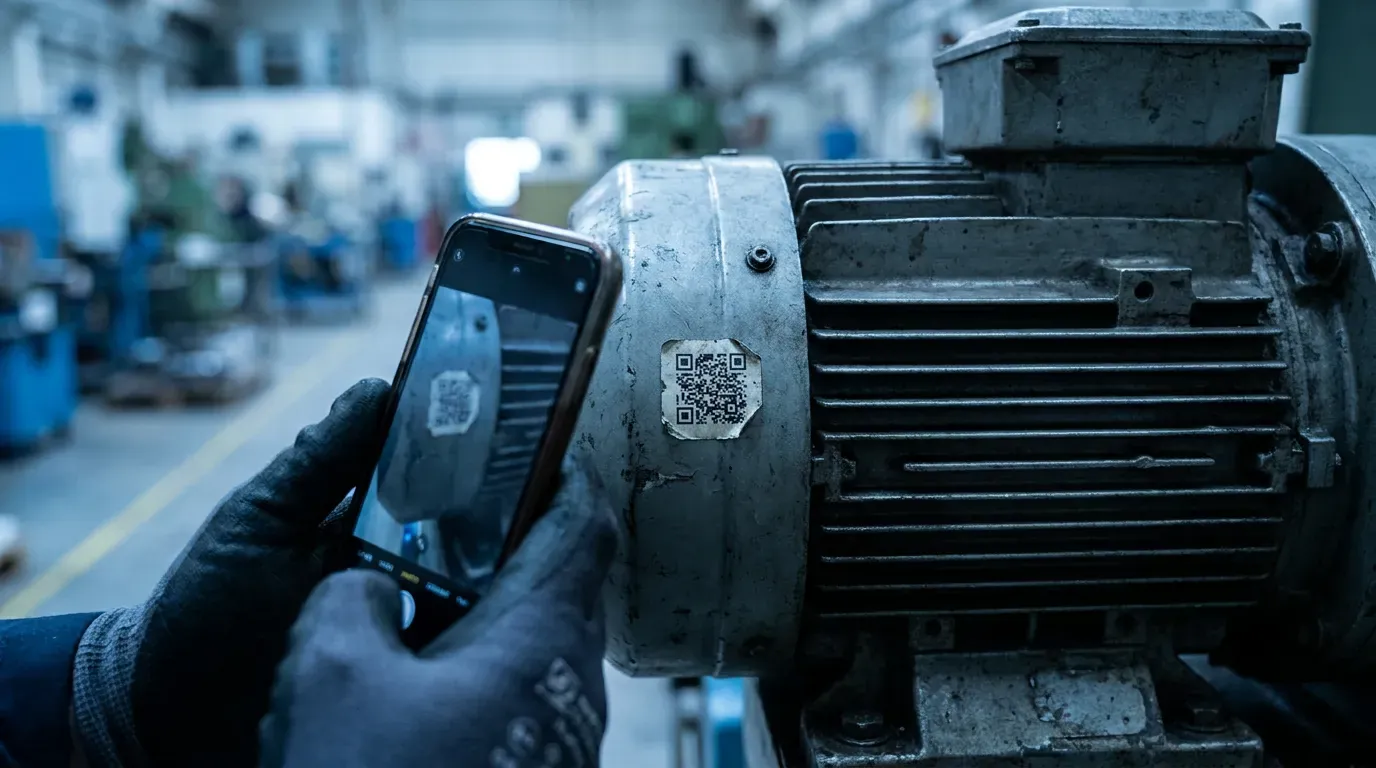
- Access where the work happens. A technician on a phone at the machine, not only a planner at a desk.
What Excel still does better
Honesty matters here. A spreadsheet is unbeatable for ad-hoc analysis: pivoting a year of data, building a one-off chart for a budget meeting, modelling the cost of a new line. A good CMMS should not try to replace that. It should give you clean, consistent data that you can take into a spreadsheet when you need to think — rather than being the spreadsheet you think in.
It is also fair to say a CMMS asks for discipline that a spreadsheet does not: machines need identifiers, jobs need owners, parts need locations. That structure is the point, but it is work, and a team that is not ready to agree on it will not get value from any system.
The hidden costs of staying on a spreadsheet
The licence for Excel is already paid, so the spreadsheet looks free. The costs are elsewhere:
- Time spent finding information — the drawing, the last repair, the part number — instead of fixing the machine.
- Repeated failures nobody spots, because the history is not structured enough to show a pattern.
- Parts ordered in a panic because the stock list was out of date.
- Knowledge that leaves with the person who owned the file.
None of these show up as a line in the budget, which is exactly why they last so long.
How to move from Excel without losing your history
The most common mistake is trying to move everything at once. A better sequence:
- Machines first. Agree an asset tag for every machine and import the list. Everything else hangs off it.
- Parts second. Part numbers, descriptions, units and where they are stored.
- Current preventive maintenance. The plans you actually run today, not the ones you wish you ran.
- History last — and only what you trust. Old records with a clear date, machine and action are worth importing. A column of “fixed” is not.
In UR Maintain, an import is staged before anything is written: every row is reported back as valid, warning or error, and only then applied. Applying is safe to repeat, so an interrupted migration finishes instead of duplicating machines. One rule we hold to: we will not invent history to make a migration look complete — an empty field is better than a plausible lie. The migration page explains the mechanics.
Frequently asked questions
Can a CMMS import our spreadsheet? Usually yes, once the columns are mapped to machines and parts. Expect to clean names and identifiers first; that work pays back regardless of the system you choose.
Do we have to stop using Excel? No. Use the CMMS as the source of truth for work, machines and parts, and take data into a spreadsheet when you need to analyse it.
A simple decision rule
Stay on a spreadsheet if one person owns maintenance, the machine count is small and breakdowns are rare. Move to a CMMS when several people — technicians, a planner, a storekeeper, a manager — need the same up-to-date picture, when breakdowns and planned work compete for the same people, and when the next shift keeps asking what happened. That is the point where the spreadsheet stops saving money and starts costing it.
If you want to see what that looks like with real screens and sample data, the free browser demo takes a few minutes to request and needs no payment.