
Keep maintenance work organized
Follow breakdowns, planned work and daily tasks from open to complete.
OpenIn progress
Work orders, breakdowns, machine history, preventive maintenance, spare parts and technical drawings in one CMMS — for the maintenance office and the technician at the machine.
Free browser demo · Sample data included

Desktop for planning. Mobile for the work.Product view · Sample plant data
A connected view of the work, the equipment and the information behind every repair.
Follow breakdowns, planned work and daily tasks from open to complete.
Connect current work, machine history, documents and parts to the equipment.
Build useful asset history instead of relying on scattered paper and spreadsheets.
Make ongoing work, breakdowns, PM and blockers visible to the whole team.
From the first request to the next shift, see how UR Maintain connects the work.
Screens shown with sample data.
The questions a maintenance manager gets from auditors and the plant director, answered from the same data the technicians record.
Operators report faults without a paid seat. Scan the sticker on the machine, describe the problem, done — no login.
Equipment under technical supervision and periodic checks, with due dates, protocols and alerts before the deadline.
SEP, UDT and training certificates with expiry dates and reminders, ready for the audit.
See which causes and machines cost the most downtime, per machine, from the jobs you actually recorded.
Open requests and machines down on a screen everyone can see. It refreshes on its own.
Minimum stock, an automatic list of what to order and an export for purchasing.
Maintenance software should help technicians get the machine running without adding unnecessary steps. The flow is simple: see the problem, take ownership, act, restore production and record what matters.
See the problem. Take the job. Do the work. Move on.
A machine running again and a completed report are separate milestones.
Łukasz Blania, founder · maintenance automation engineer · Lumi Zone, Katowice
UR Maintain grew out of hands-on maintenance work and conversations with electricians, automation engineers, power systems specialists, hydraulics technicians, shift leaders and maintenance managers.
The same system has to make sense to the person repairing the machine and the person explaining what happened. Those conversations shaped an approach that gives both sides the information they need.
Take the job. Find the drawing or spare part. Restore the machine. Record the important details without making administration a second job.
See who took ownership, what was done, what is still blocked and what the next shift needs to know. Have a clear record to explain the situation.
At an electrical cabinet with no signal, a downloaded document and a straightforward search can be enough. Search a component reference and open the matching page on your phone, instead of walking back to the workshop computer or leafing through hundreds of pages.
Useful tools for the actual task. AI is not a prerequisite.
Find the reference → Open the page → Do the diagnosis
Example workflow guiding the product design.Machines stop. Wi-Fi disappears. Parts need finding. A new shift needs to know what happened. These are the workflows shaping UR Maintain.
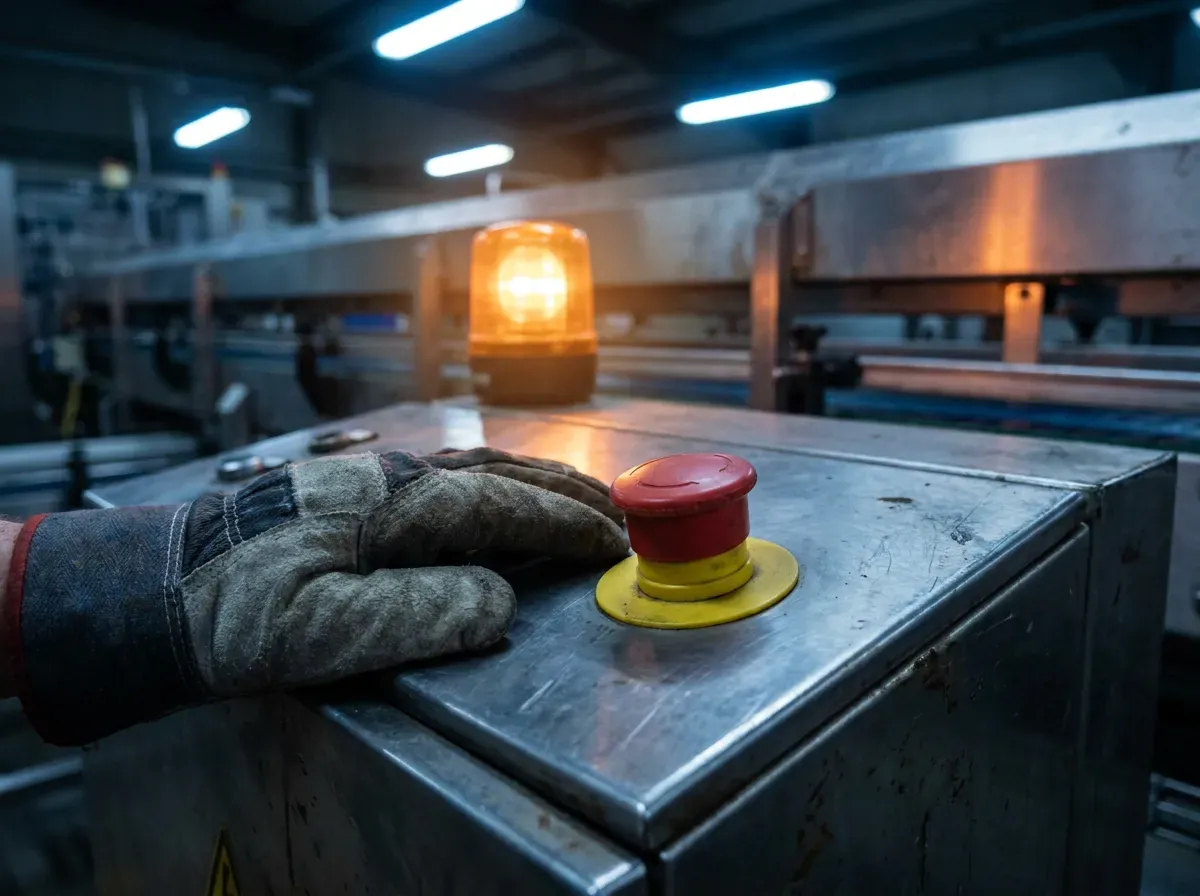
A breakdown should not start with a long form. The workflow lets technicians take ownership and get to the machine. Restore production first; complete the report when there is time.
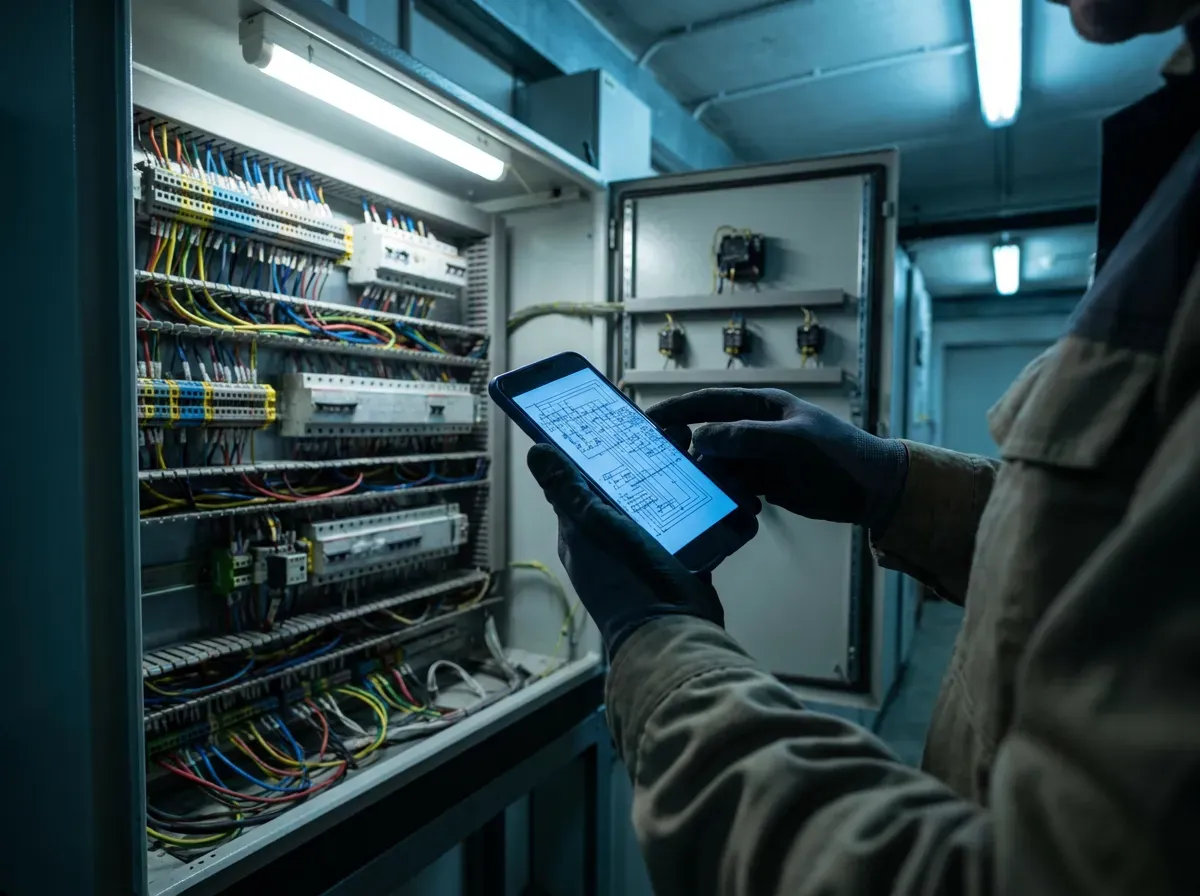
Designed for downloaded PDFs on your phone. Search a reference like I2003.2, find the matching page and open the drawing — without returning to the workshop.
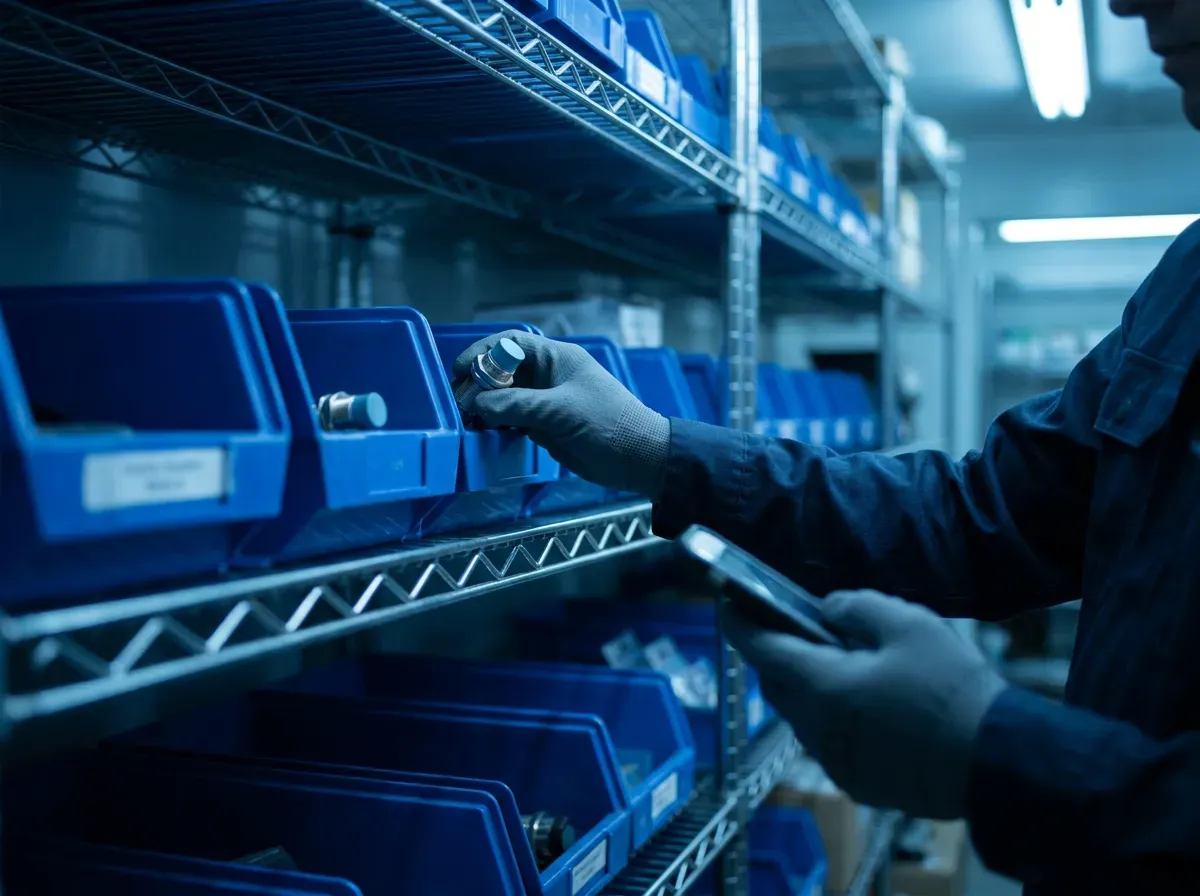
Find the spare part and its shelf from your phone. The issue flow records the part against the active job, so the stock update happens when the part is taken.
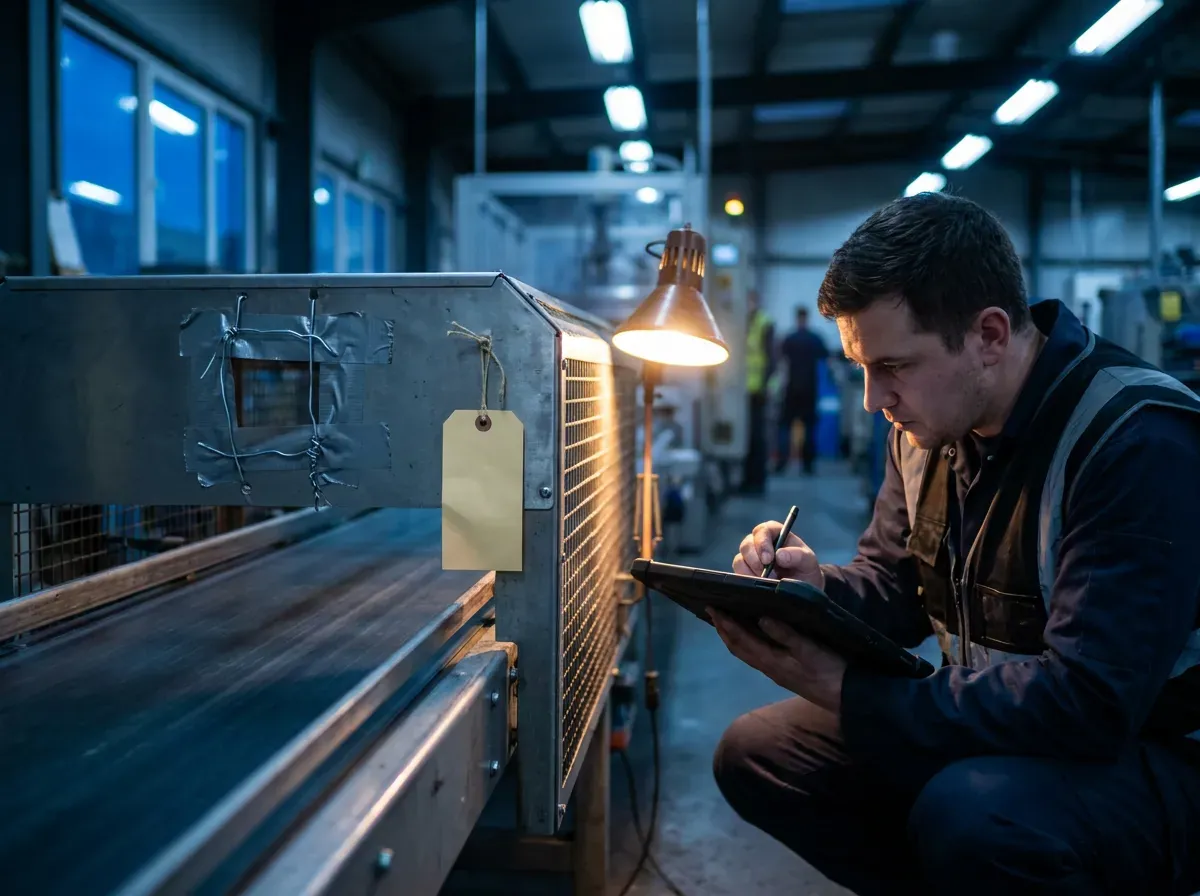
Start with the context that matters. The dedicated handover brings unresolved work, temporary repairs and missing parts into one view for the incoming team.
Designed around the machine: its current work, repair history, preventive maintenance, drawings and related parts. One asset record connects the information.
Shared information. Views shaped around the work each person actually does.
Electrical drawings, machine documentation and failure history contain sensitive operational information. Our default is a licensed, self-hosted application that your organization installs on its own server.
Keep the application, operational database and technical documents inside your environment, with offline files on authorized employee devices.
Your IT team controls access, employee devices, backup destinations and any external connections.
For organizations that prefer a managed hosting service, with application infrastructure operated for them.
Hosting location, backup policy and service scope are agreed before deployment.
A clear division of responsibility before you deploy.
| Responsibility | Self-hosted | Managed cloud |
|---|---|---|
| Infrastructure & maintenance | Your IT team runs the server, operating system and network. We provide the application. | UR Maintain operates the application infrastructure within the agreed service scope. |
| Application updates | We supply releases under your license and update terms. Your IT team schedules and installs them. | UR Maintain schedules and applies application updates. |
| Data & documents | Stored on your server; downloaded files on employee devices you authorize. | Stored in the agreed hosted environment, with access controlled for your organization. |
| Backups & access | Your IT team defines backup destinations, recovery procedures and internal access policies. | Backup and recovery scope is agreed with the service. Your organization manages its users. |
Self-hosted is our default. Discuss the right setup for your plant before deciding.
UR Maintain is set up by the maintenance team, not by a consultancy. One server running Docker — or our cloud — your machine list, your documents and your people. Most of the setup takes hours, not weeks.
Start the containers on one server with Docker Compose, or open a cloud workspace. Running the same day.
Add users, give them roles, choose who sees which site. A few clicks per person.
Import machines and parts from your Excel; upload drawings and manuals to the machines they belong to.
Print QR labels. Technicians learn five actions in one short session.
Run real breakdowns and jobs, then switch the plant over when the team is ready.
Two editions over one product. Every edition has every feature — the difference is who runs the infrastructure. In the cloud you pay per user; on your own servers you pay per installation and every user is included. Net prices, excluding VAT.
We host and update it. Billed monthly, or 250 € per user per year.
Self-hosted annual5 000 €per year · every user includedThe full application on your own infrastructure, updates included while the licence runs.
Self-hosted perpetualOn requestquoted individually · every user includedBuy it once and use it indefinitely. First year of updates included; optional plans after that.
Product statusTodayin the product's own wordsWhat a maintenance team can do right now, feature by feature.
Use the free demo to evaluate the current build with sample data in your browser. Bring the questions that matter to your team.
UR Maintain is live and on sale, as a managed cloud service or self-hosted on your own server. The product status page lists what it does today. The screens on this website use sample data.
Request a demo and check the features your team needs before you buy.
Send a demo request with your work email and company. We follow up with access details for a prepared environment containing sample data.
You explore the application in your browser and see how it works. The demo is free and requires no payment. When you want to use UR Maintain with your own team, you choose cloud or self-hosted from the published prices and we start the two-week rollout.
Bring an example of your spreadsheet structure and the records you need to transfer. We can review the mapping and confirm the import options for your dataset before deployment.
Do not assume every spreadsheet can be imported unchanged: the available fields and import scope need to match your data.
The reference setup is a Debian or Ubuntu server running Docker Compose, with the application, database and document storage under your organization's control.
The current planning baseline is 8 vCPU, 16 GB RAM and NVMe storage. This is a sizing reference, not a guaranteed minimum; user count, document volume and workload determine the final requirements. Your IT team also needs to manage access, updates and backups.
Contact the UR Maintain team directly to discuss your deployment. Support scope and update entitlement are agreed with your license or service before purchase.
For self-hosted installations, your organization operates its infrastructure. Application support and help with deployment are covered by the terms you select.
With self-hosted deployment, your organization controls the database and document storage on its own server. Database and file backups are separate from a convenient export through the application.
Tell us which records and formats you need. We will confirm the current export options during evaluation before you commit.
See how it fits your plant, compare deployment options and review the current build before you request access.
Ask a questionGet access to UR Maintain with prepared sample data. Explore the application in your browser and see how the workflows work in practice — free of charge.
Free demo. No payment required.
No need to upload your own machine documentation.