The machine is the context
Ask a technician what they need when they arrive at a stopped machine and the answer is always the same set of things: what is wrong with it now, what happened to it before, the drawing for it, and the part that fits it. In many systems those live in four different places — work orders in one module, history in a report, documents on a drive, parts in a stock list. The technician becomes the integration layer.
A good CMMS turns that around. Open an asset and see current work, maintenance history, preventive maintenance, technical documentation and related parts in one place. That reduces navigation and, more importantly, helps the person understand what is happening around the equipment.
Five questions a machine page should answer
- What is open? Breakdowns, work orders and requests on this machine right now, with their owners.
- What is due? Preventive maintenance and inspections coming up.
- What happened before? The job history, readable without opening every record.
- Which documents belong here? Drawings, manuals and procedures — the current revision, and the old ones still readable.
- Which parts are related? What fits this machine and whether it is in stock.
Useful context is operational, not decorative. If a section of the page does not help answer one of these questions at the machine, it belongs somewhere else.
Identity fields pay back
Tag, type, maker, model and serial number are boring to fill in and invaluable the first time a part search starts with “what is actually in this machine?”. In UR Maintain the asset record carries tag, type, maker, model, serial number, criticality, location and plant, and a field nobody has recorded reads “Not recorded” instead of sitting blank — so nobody mistakes a gap for an answer. We wrote about the same principle for asset criticality.
Documents need revisions, not overwrites
A machine's drawing changes over its life. If a new version simply replaces the old file, the history of what was installed when disappears, and a technician working on an older unit may be looking at the wrong drawing. Keeping every revision readable, with exactly one marked current, is what makes documents trustworthy at the machine. That is how UR Maintain stores them: replacing a drawing means uploading a new revision, and the old ones stay readable exactly as they were.
Mobile access changes the value of asset data
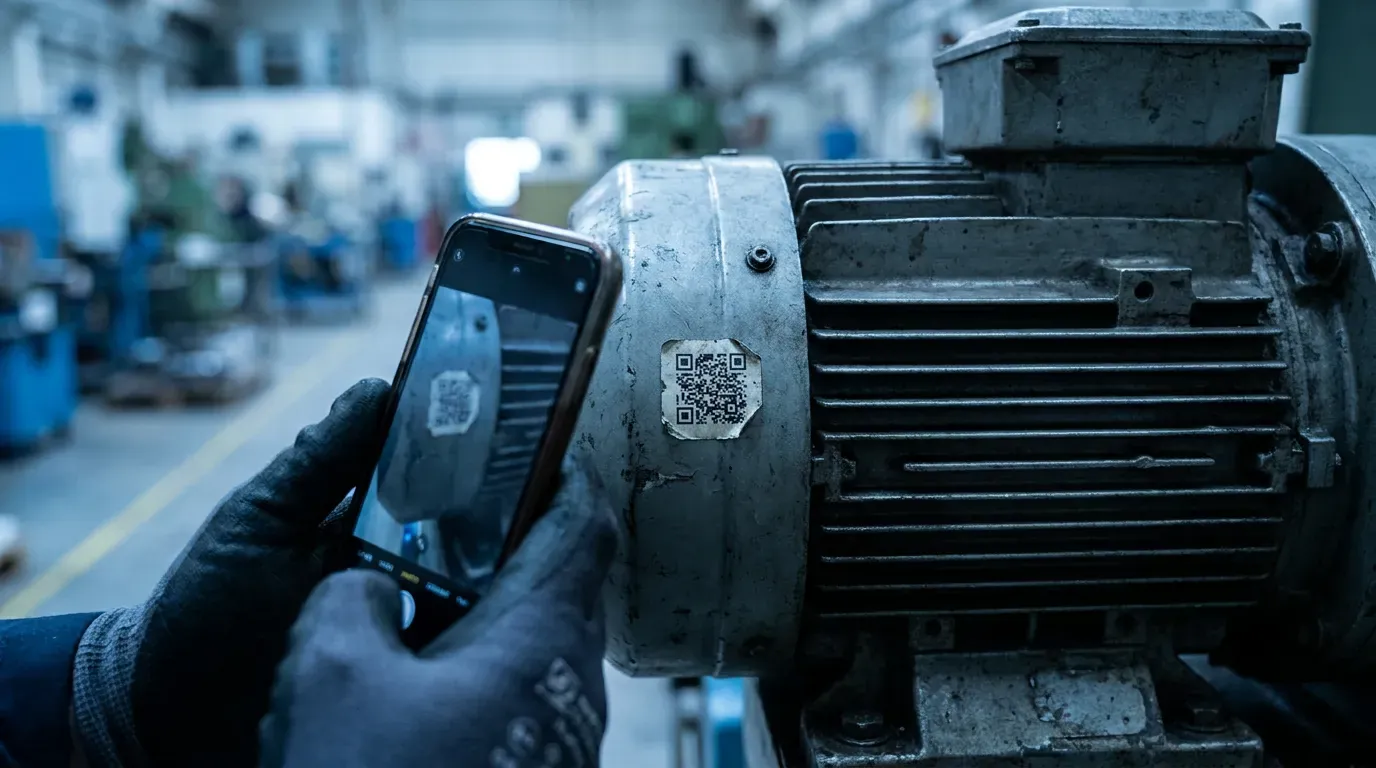
QR codes and mobile access shorten the distance between the physical machine and its digital record. The point is not the QR code itself; it is getting the technician to the right maintenance context in seconds, standing at the equipment, without typing a code from a faded nameplate. In UR Maintain, the scan resolves a QR sticker straight to that machine's record.
Search that understands the machine
Sometimes the technician starts with a half-remembered code or a part number instead of a sticker. One search box that answers about machines, jobs, defect reports, parts and documents — scoped to the plant or to a single machine — saves the trip back to the office. It should tolerate misspellings and show which machine and which revision each result belongs to.
A visit to the machine, step by step
A technician is called to a packaging unit that keeps stopping. He scans the QR label on the frame and the machine's record opens on his phone. At the top: one open job — the stop he was called for — and a note from the last shift saying the photo sensor was cleaned yesterday. Below it, the history shows the same sensor replaced twice in three months. The electrical drawing for the sensor circuit is attached to the machine, current revision marked. The related parts list shows the sensor type and that two are on the shelf in warehouse E.
He has not opened a second application, called the office or walked to the storeroom to check. That is what machine context is for: the decision to replace the sensor and look at its mounting, rather than clean it a third time, was made at the machine in two minutes.
Building context without a big-bang data project
You do not need every field filled on every machine to get this benefit. Start with the machines that stop the plant: give them a clean tag, a QR label, their main drawings and the parts that fail most often. Context grows naturally from there, because every job closed on a machine adds to its history.
What to check when you evaluate a CMMS
- Can you get from a QR sticker to the machine's open work in one step?
- Does the machine page show documents and parts, or only work orders?
- Are old document revisions kept, or overwritten?
- Does an empty field look empty — or does it look like data?
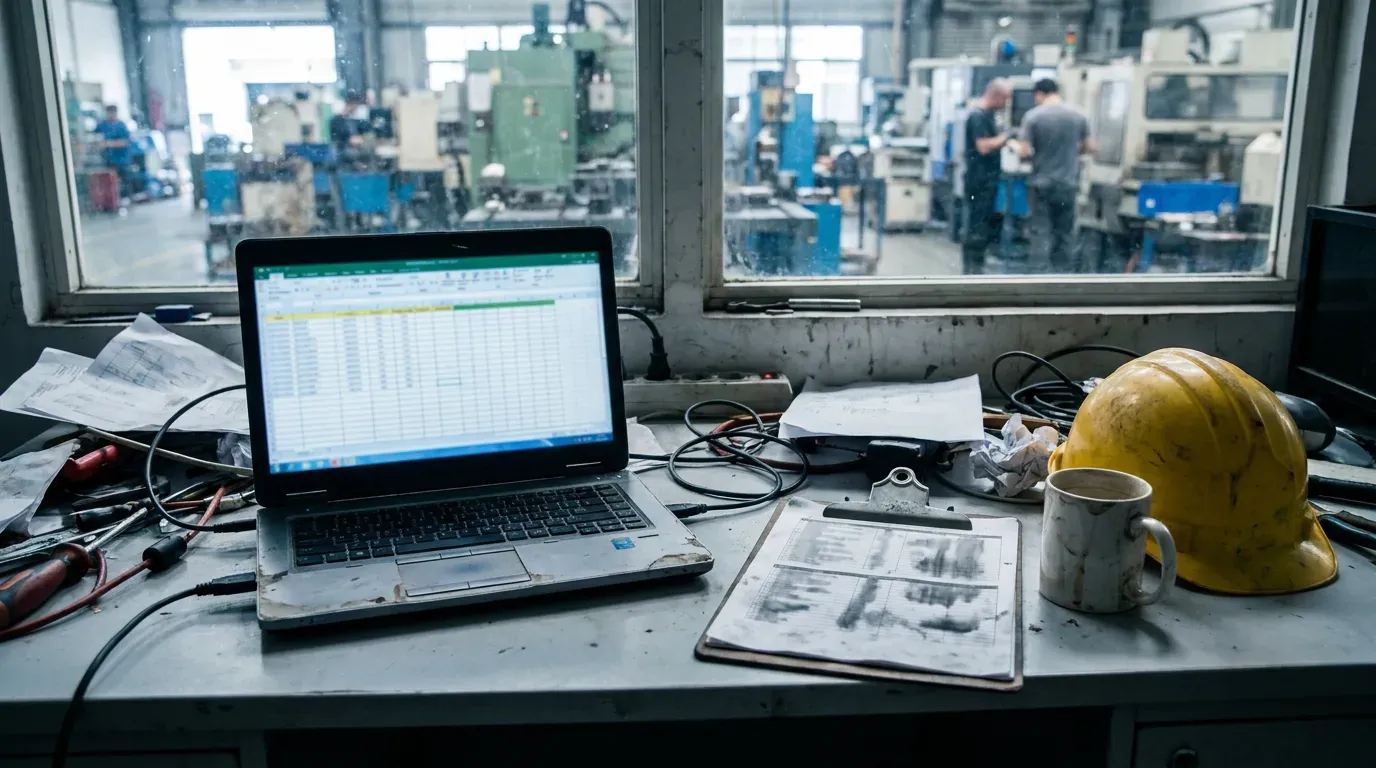
If you are still working from a spreadsheet, CMMS vs Excel covers when connecting this context starts to pay for itself.