What the first ten minutes look like
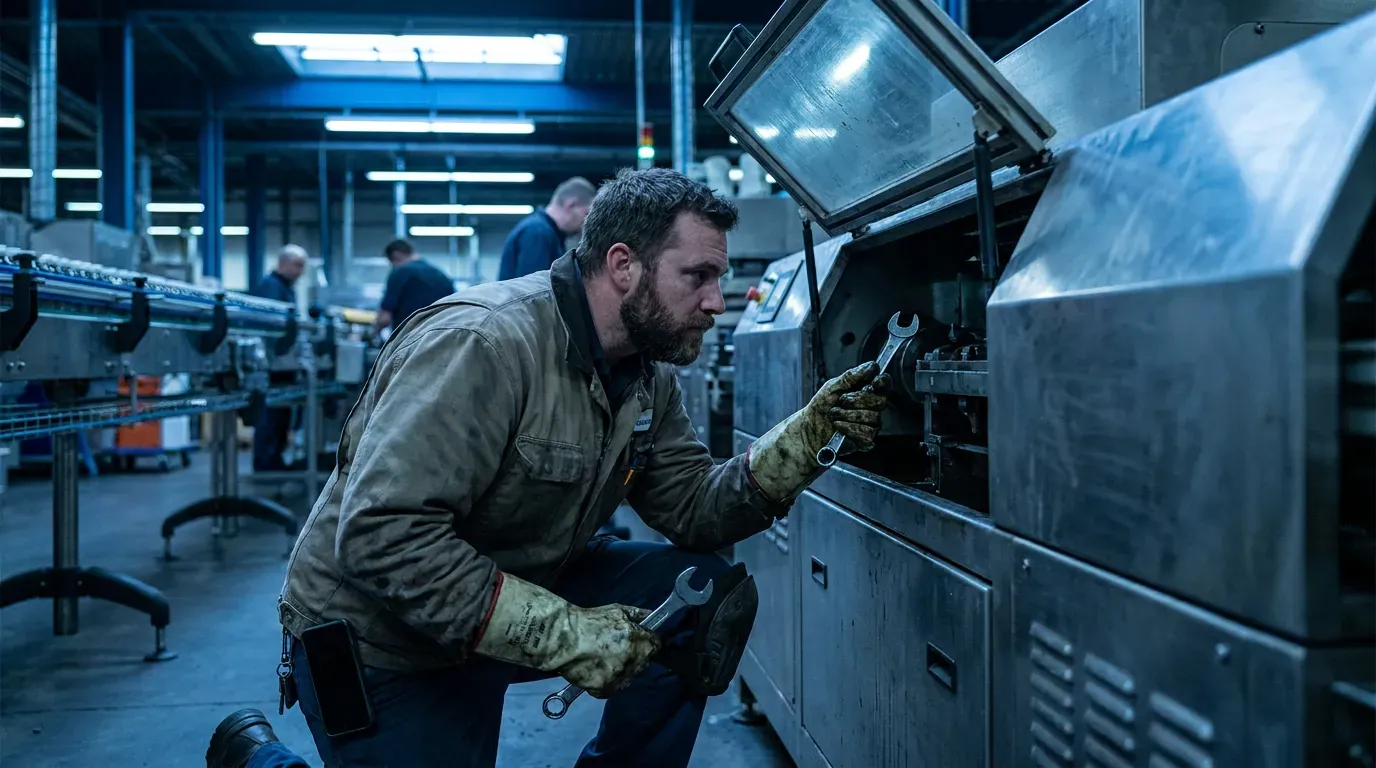
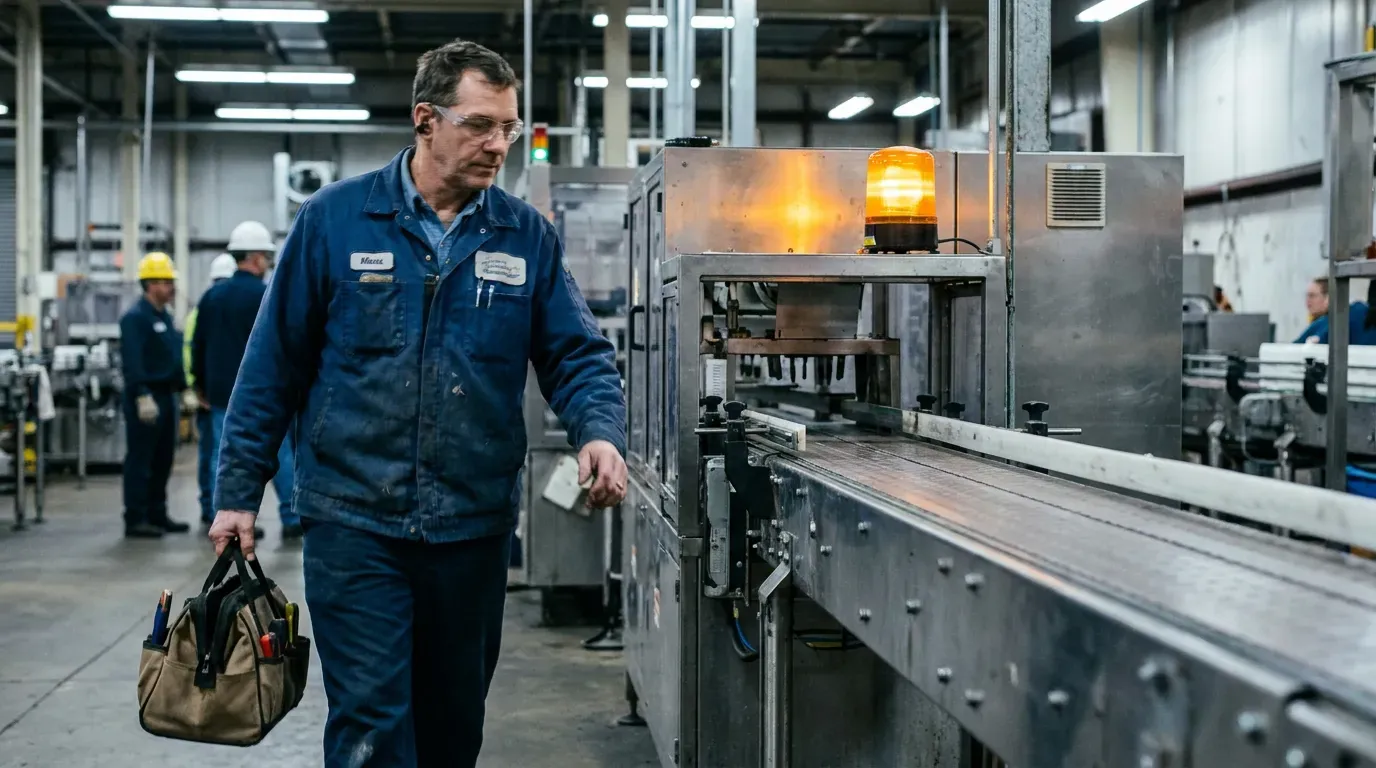
A line stops. Production calls maintenance. Somebody has to decide who goes, get to the machine and find out what is wrong. In those first minutes the only information that matters is: which machine, how urgent, and who owns it now. Anything else the system asks for at this moment is friction — and friction at this moment gets skipped, typed later from memory, or not typed at all.
Separate ownership from reporting
A practical breakdown workflow begins with the machine, the priority and its current state. A technician takes ownership with one action, goes to the equipment and works the problem. The job is visible to everyone as taken, so nobody else walks over, and nobody has to ask on the radio who is on it.
The system can keep the job open and visible without forcing a full closeout. The report is part of the job; it is not the gate to starting it.
Machine running is not the same as report complete
Production can be restored long before a technician has time to write a useful report. Treating those as one state forces a bad choice at three in the morning: either leave the job open and make the machine look down, or close it with a two-word report.
Treating them as separate facts fixes both problems. “Machine running” is recorded when the machine runs. The report is written when there is time, and its completion does not move the running timestamp. That separation is also what keeps downtime and MTTR figures honest.
In UR Maintain, the technician can take, start, wait with a reason, resume, report the machine running and finish the report — and all of it works offline. A supervisor then verifies and closes. The product status page lists each of these as working today.
Waits are data, not delays
Most breakdowns are not one continuous repair. The technician diagnoses, then waits — for a part, for an electrician, for production to release the machine. Recording each wait with a reason costs a tap and produces the single most useful piece of information a breakdown generates: where the time actually went. A team that knows its repairs spend more time waiting for parts than being repaired knows exactly what to fix next.
Record what matters after control is restored
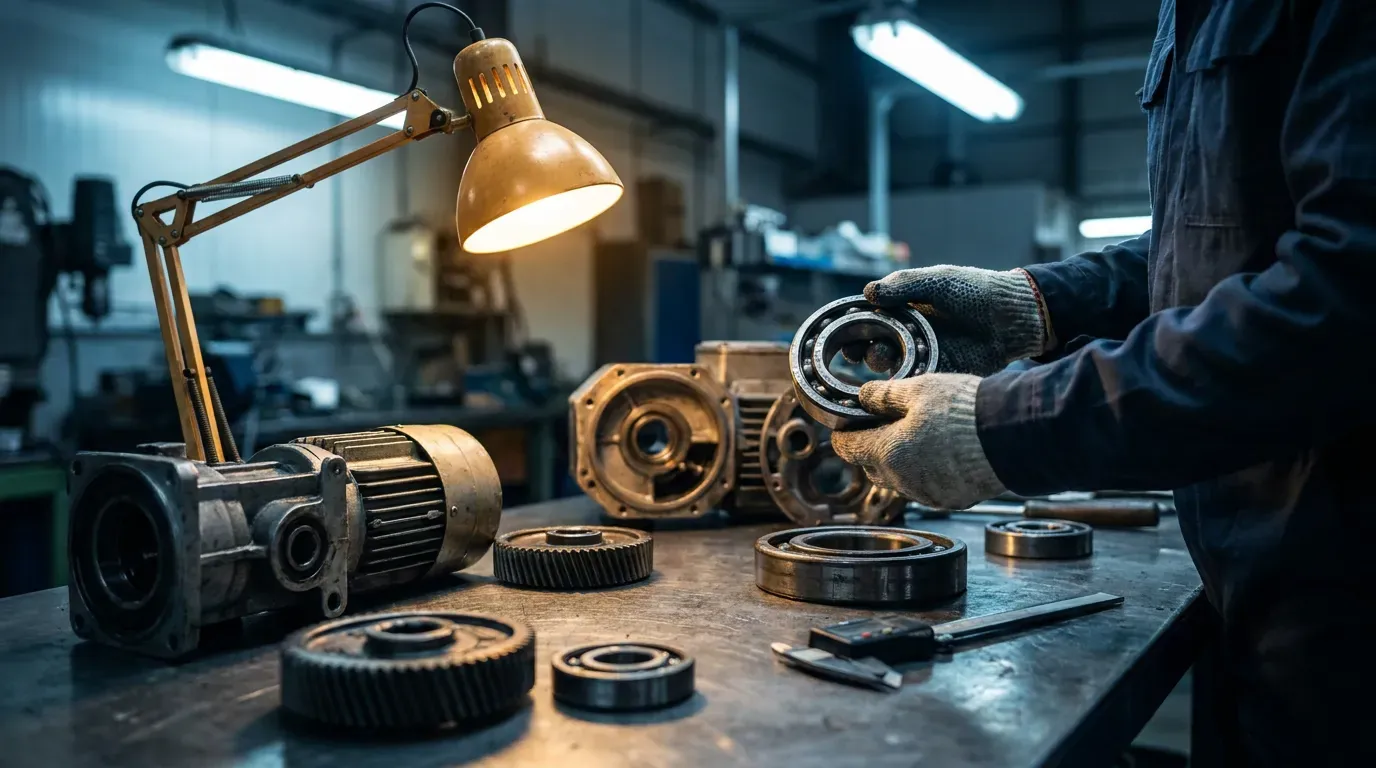
Once the immediate failure is under control, the technician records the action taken, parts used, remaining risks and follow-up work. That is a better moment for it than the start: the cause is known, the parts are known, and the person is no longer under pressure to restart a line.
A useful closeout answers four questions:
- What was wrong — the cause, as far as it is known.
- What was done — the action and the parts used.
- What is left — temporary repairs, watch items, follow-up work.
- Who needs to know — usually the next shift, through the handover.
A worked example
A conveyor on a packaging line stops at 02:40. The operator raises it; the job appears on the night technician's phone as a breakdown on CV-107, high priority. He takes it at 02:43 — that tap is the moment of ownership, and everyone else can see the job is covered. At the machine he finds a slipping drive belt, and waits nine minutes for the storeroom to release a spare, recording the wait with the reason “waiting for part”. The line runs again at 03:20, and he records “machine running” on the spot. He writes the report at 05:30, when the shift is quieter: cause, belt replaced, part used, tension to be checked by the day shift.
Every figure anyone will later need — response time, waiting time, time to restore, the part used, the follow-up — came out of that night without a single extra form at 02:40.
Common mistakes in breakdown workflows
- Making the failure cause mandatory when the job is taken, before anyone knows it.
- One status that means both “running again” and “paperwork done”.
- No way to record a wait, so all waiting time hides inside “repair”.
- A flow that only works at a desk or with a signal.
What this means for choosing a CMMS
When you evaluate a system, time the breakdown flow on a phone, standing up, with gloves on. Count the taps from “machine stopped” to “I own this job”. Check whether the system lets you report the machine running without closing the job. Check what happens with no signal. Those three tests tell you more about whether the system will be used than any feature list.
The underlying principle is the one in why a CMMS should not turn technicians into data-entry clerks: the field workflow decides the shape of the product, and the reports are derived from it.