BUILT FOR THE WHOLE MAINTENANCE TEAM

One system. The right view for every role.

Technicians, storekeepers, planners and maintenance managers work with the same maintenance data — but they do not need the same interface.

TECHNICIAN

Fast actions close to the machine.

See your shift, take breakdowns, work on assigned jobs, find parts and technical documents, update machine status and pass important information to the next shift.

Mobile-first. Fast actions. Minimal administration.
  • My Shift and assigned work
  • Take breakdowns
  • Parts and technical documents
  • Machine status and handover context
Maintenance technician working at industrial equipment
My Shift06:00–14:00
P1
PR-04 PressMachine down
WO-1048CV-107Replace drive belt
PM-119MX-04Inspect motor M101

STOREKEEPER

Inventory built around real maintenance usage.

See stock levels, locations and part availability. Issue and receive parts, keep inventory accurate and identify items that need replenishment.

Stock state tied to the maintenance work that consumes it.
  • Stock and storage locations
  • Part availability
  • Issue and receive parts
  • Low-stock visibility
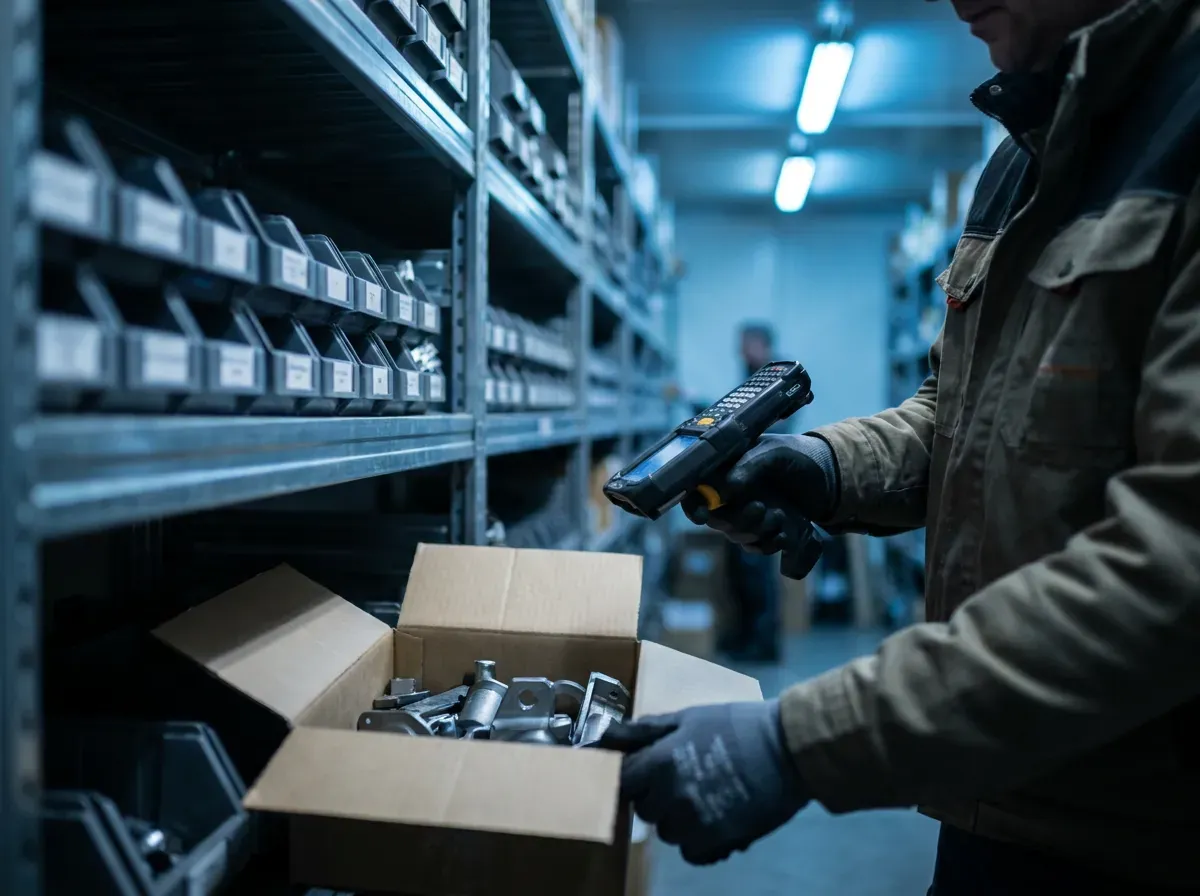
Storekeeper working in an industrial spare parts storeroom
Parts & InventoryWarehouse E
PartLocationStockStatus
IFM IGK3008E-04 / 123Available
SKF 6205-2RSB-02 / 041Low
Siemens 3RTC-01 / 090Out

PLANNER / SUPERVISOR

See the work before the shift begins.

Review backlog, planned work, preventive maintenance, job status and blockers so maintenance can be prepared and organized before execution.

Planning context without forcing technicians into a planner interface.

Keep backlog, preventive work and blockers visible without forcing the shop-floor workflow into a planner-style interface.

Maintenance planner reviewing work at a workstation
Work OverviewThis week
Backlog48
PM due12
Waiting for parts7
Blocked4
WO-1032 Waiting for partsWO-1041 Production unavailablePM-118 Requires attention

MAINTENANCE MANAGER

Visibility without reading every work order.

See what is happening across maintenance: breakdowns, open work, PM status, backlog, inventory issues and areas that need attention.

Management by exception, not another wall of charts.
  • Critical equipment down
  • Waiting for parts
  • PM requiring attention
  • Backlog and operational exceptions
Maintenance manager monitoring industrial operations
Requires AttentionNorth Plant
Critical equipment down2
Waiting for parts11
PM requiring attention3
Backlog > 30 days14

ONE MAINTENANCE SYSTEM

Same maintenance data. Different focus for the work each role actually does.

Request early access to evaluate the direction with your team. See the full product status for what is built today and what is not.

Request early access →