01BREAKDOWN
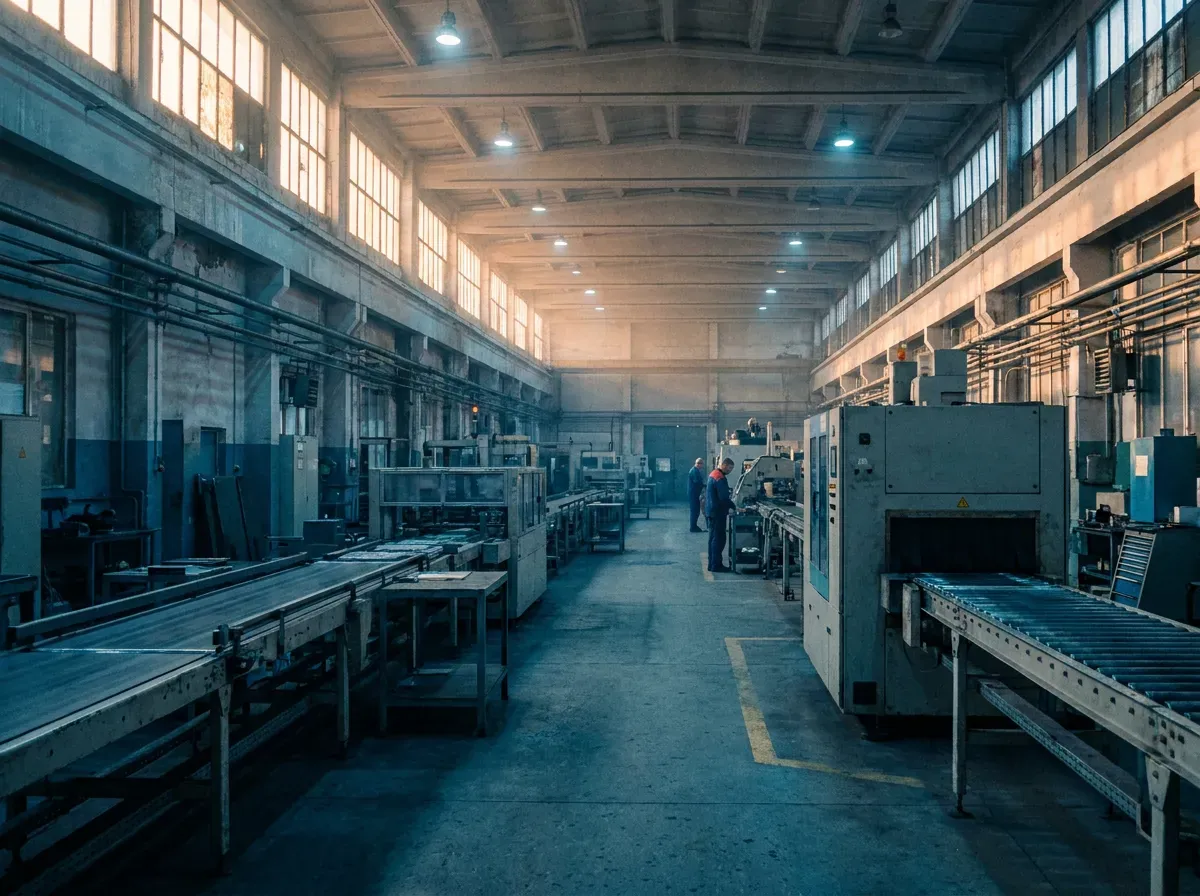
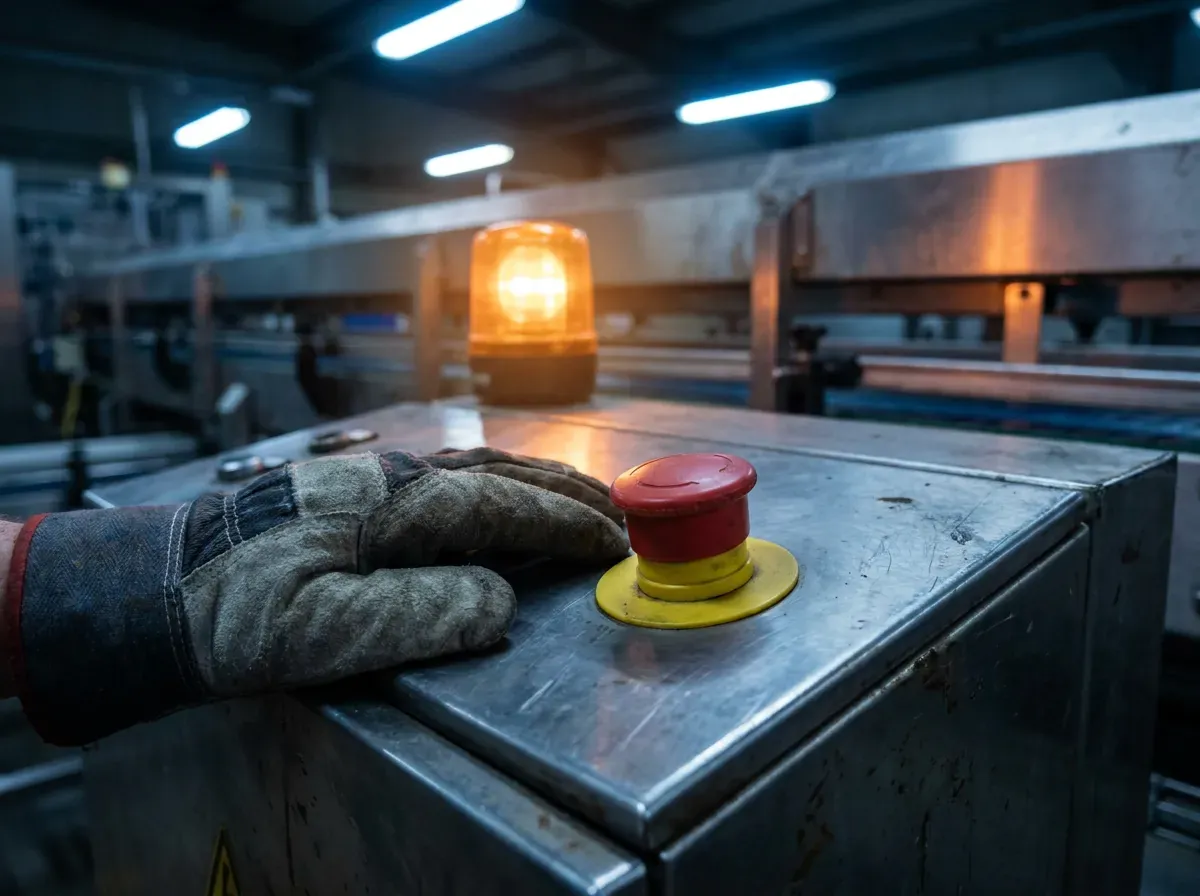
Machine stops. Get to work.
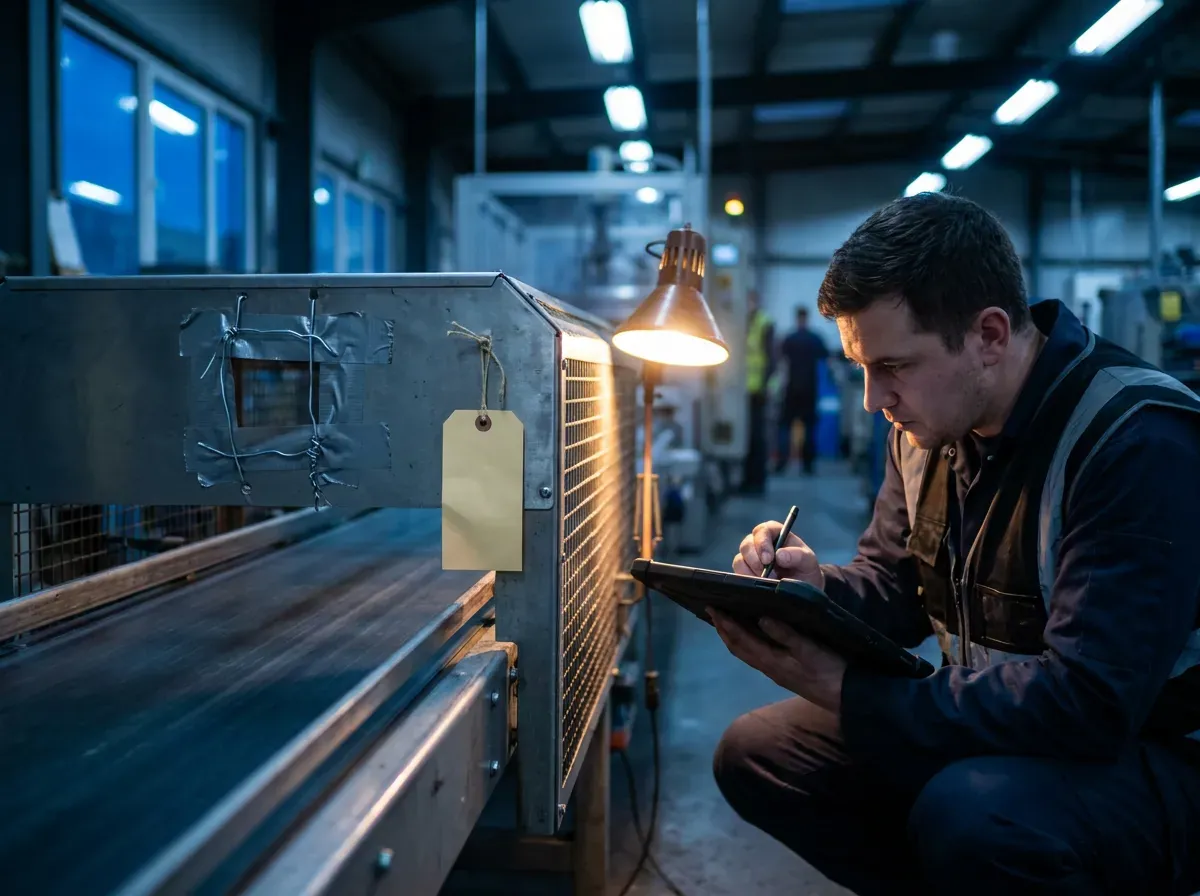
A breakdown should not start with a form. Take ownership in one action, get to the machine and start working. When production is restored, mark the machine as running. Complete the maintenance report when there is actually time to do it.
BREAKDOWN→TAKE JOB→IN PROGRESS→MACHINE RUNNING→REPORT
Important: Machine running and report completed are not the same state.
02TECHNICAL DOCUMENTS
The drawing the machine needs, under control.
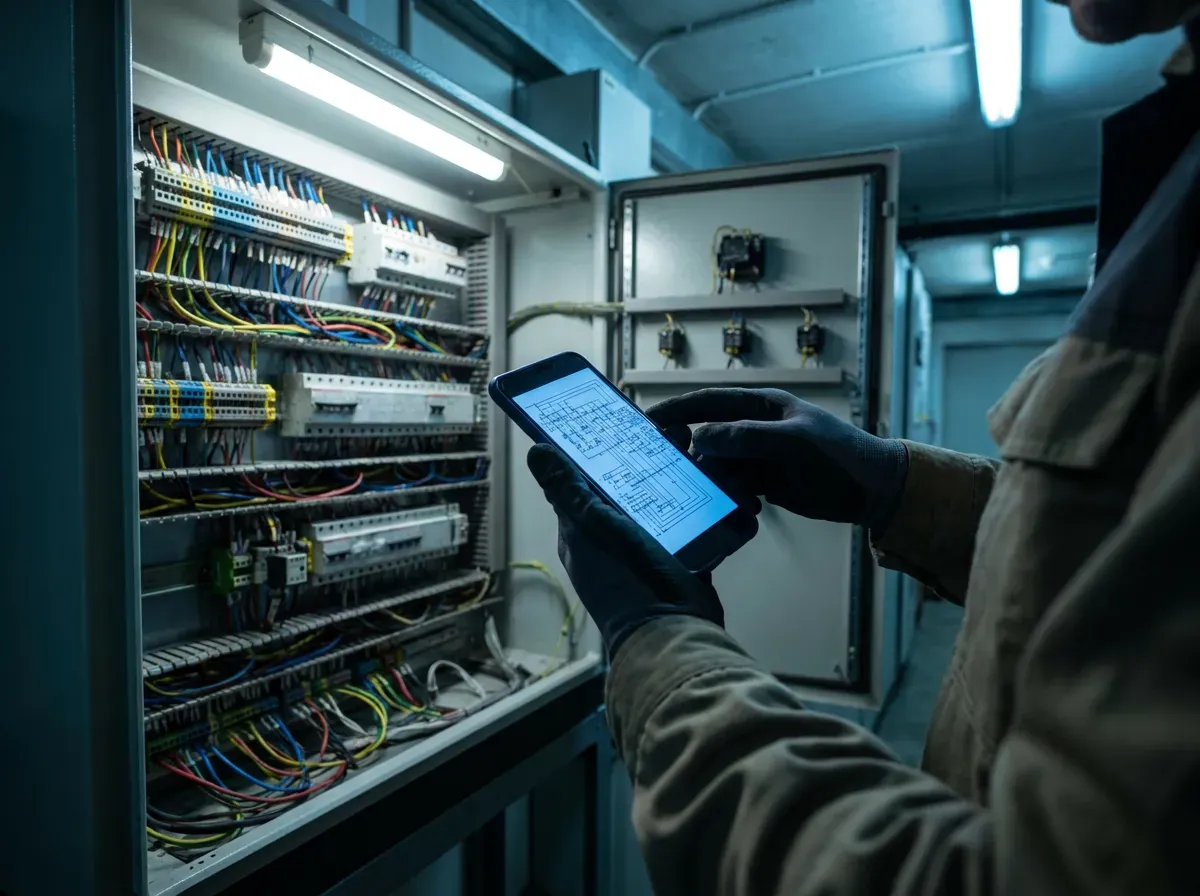
Every drawing, manual and procedure stays attached to the machine it describes. Find one by its document number or title, open the revision the plant actually issued, and download it straight from storage. Replacing a drawing means uploading a new revision — the old ones stay readable exactly as they were.
Also live: searching inside a PDF and reading text out of scanned drawings with OCR.
03PARTS & STOCK
Find the part. Take it. Keep stock accurate.
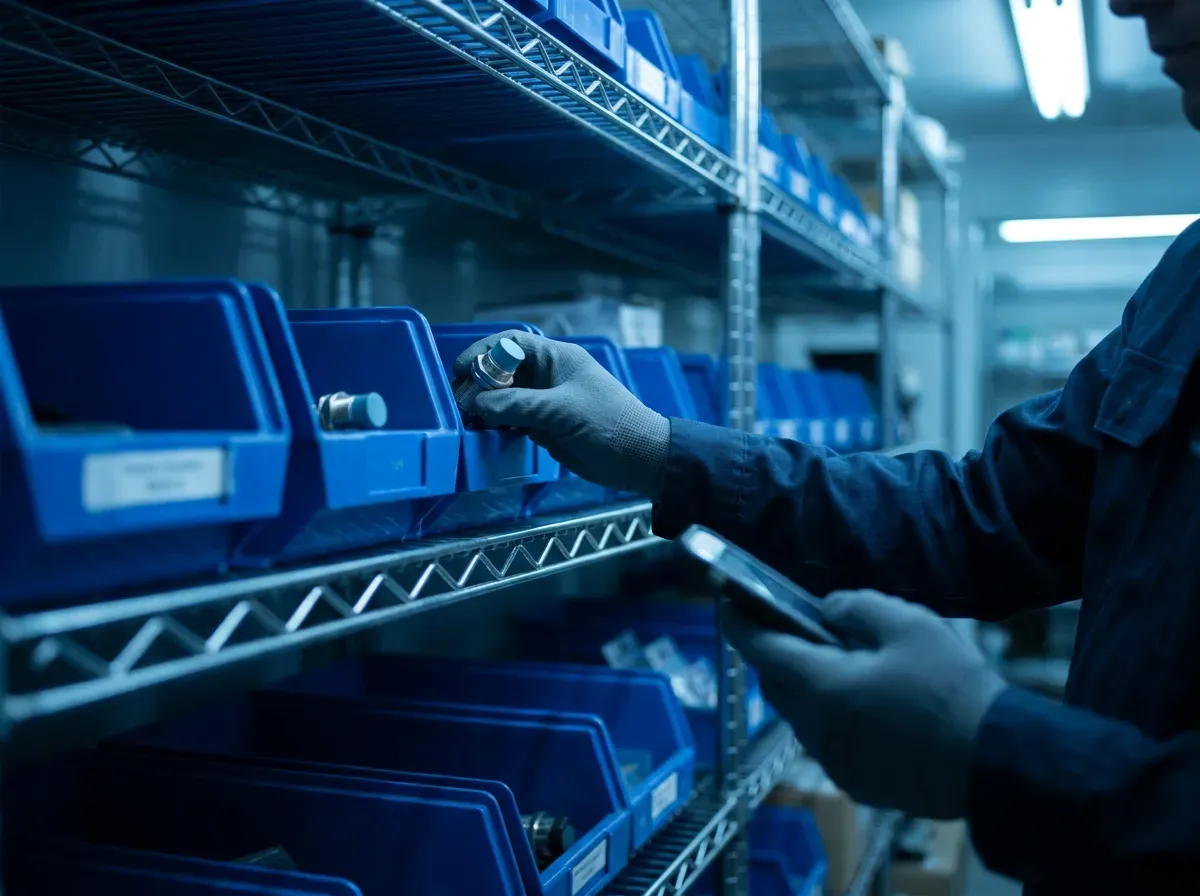
Search the part from your phone and immediately see what is available and where to find it. A simple TAKE 1 action keeps the stock update close to the real maintenance event and can associate the issue with active work.
- No paper notebook
- No need to remember the stock update later
- Current stock state remains visible
04SHIFT HANDOVER
The next shift should know what happened.
A shift should not begin by asking around the workshop trying to reconstruct the previous eight hours. Keep the maintenance context the incoming team needs: what happened, what is still unresolved and what needs to happen next.
Machine downTemporary repairWaiting for partsWork in progressMust watch